
Download Higosoft Web Player Basic – Video Player, Web Player, Customizable, Ad Integration, HTML Publishing, Online Content, Monetization Tool, Content Creator
Overview
Higosoft Web Player Basic is a mobile application designed to support content creators in publishing and monetizing their video content through a streamlined, web-based interface. The app functions primarily as a tool for embedding and managing video playback on websites or online platforms, enabling creators to share their work with minimal technical overhead. Its core purpose lies in simplifying the publishing workflow while offering customization and monetization options, making it particularly useful for individuals managing online video content from mobile devices.
Target users include independent creators, small content producers, and digital marketers who need a lightweight solution for deploying videos across online spaces. The app allows users to import videos quickly and publish them using a simple HTML code, which can be embedded into blogs, websites, or social media platforms. While it is not a standalone video playback application, it serves as a bridge between content creation and online distribution.
Given its focus on publishing and monetization, Higosoft Web Player Basic fills a niche in the productivity app ecosystem by addressing the specific needs of creators who prioritize control over video presentation and revenue generation. Although the developer did not provide additional technical details about the app’s backend or integration capabilities, its release in 2010 suggests it has been in use for over a decade, indicating a stable, long-standing presence in the digital content space.
Key Features & Functionality
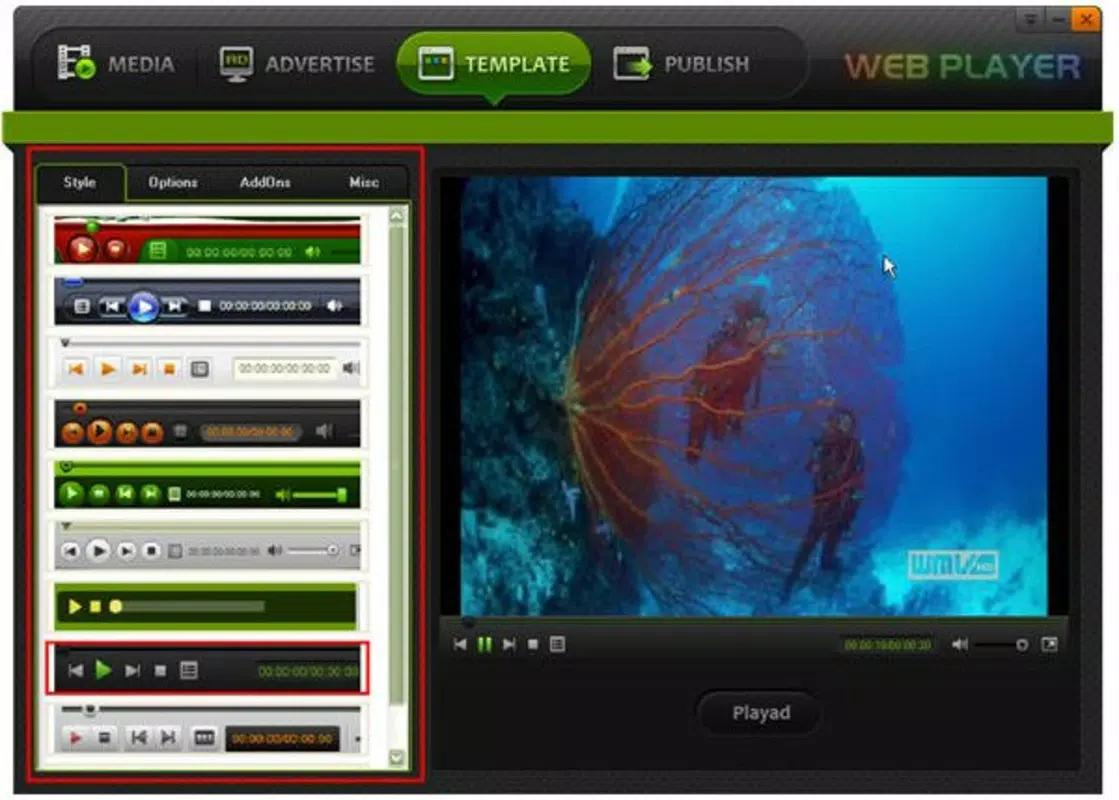
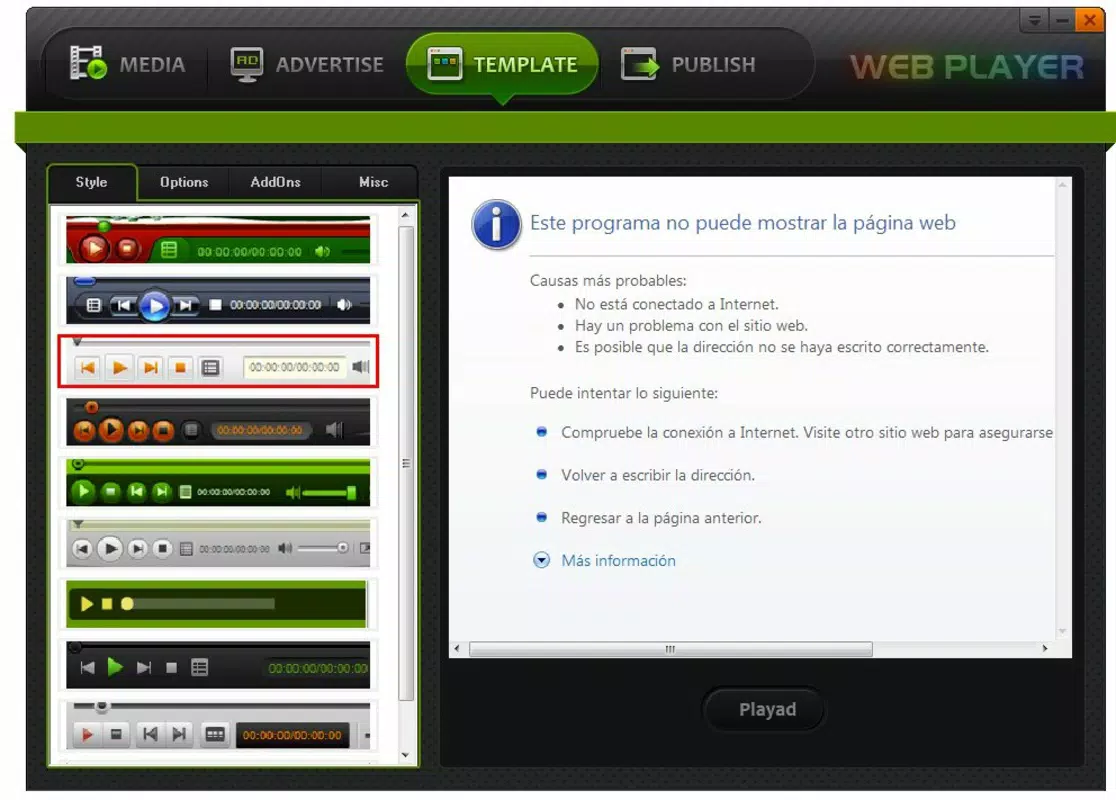
- Customizable Background Skins: Users can select from a range of background skins to personalize the video player’s appearance. This feature allows creators to align the player’s visual style with their brand identity or audience expectations, improving viewer engagement and content consistency.
- Ad Integration for Monetization: The app supports embedding advertisements directly into video playback, enabling creators to generate revenue from their content. This functionality is essential for those seeking to monetize their videos without relying on third-party platforms.
- Simple HTML Publishing: Videos can be published by copying and pasting a generated HTML link. This low-barrier method reduces the technical complexity of deployment, making it accessible to users with minimal coding experience.
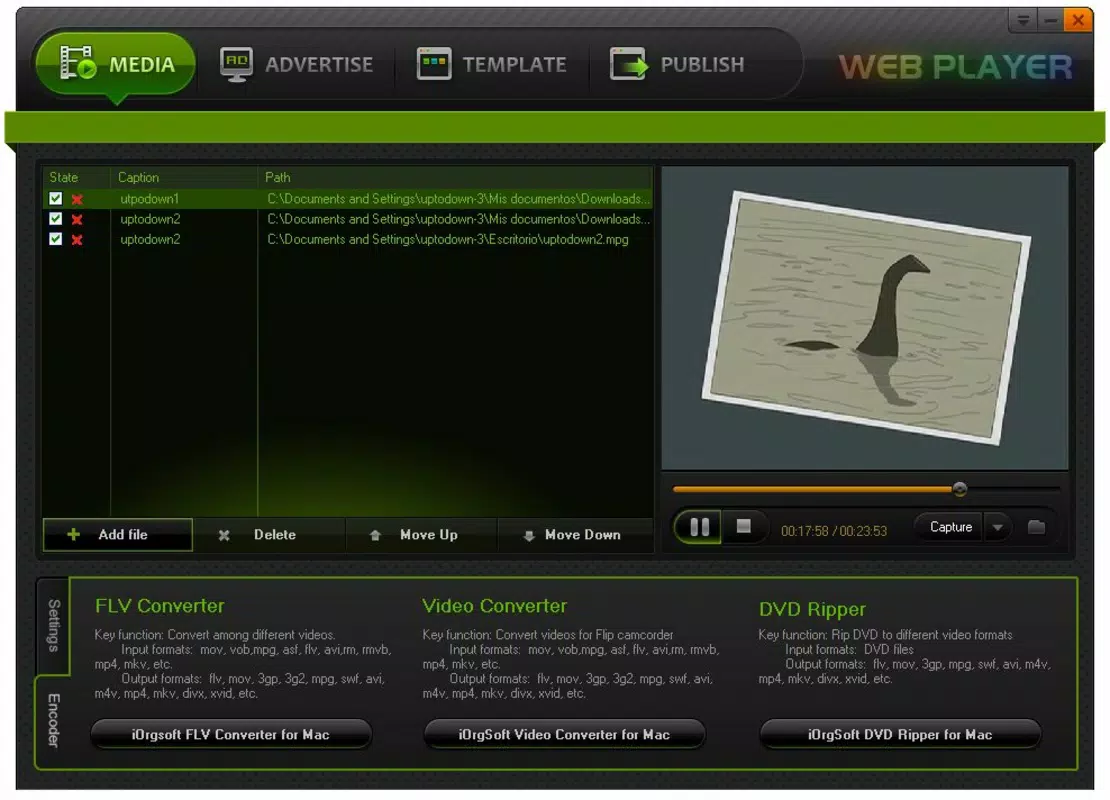
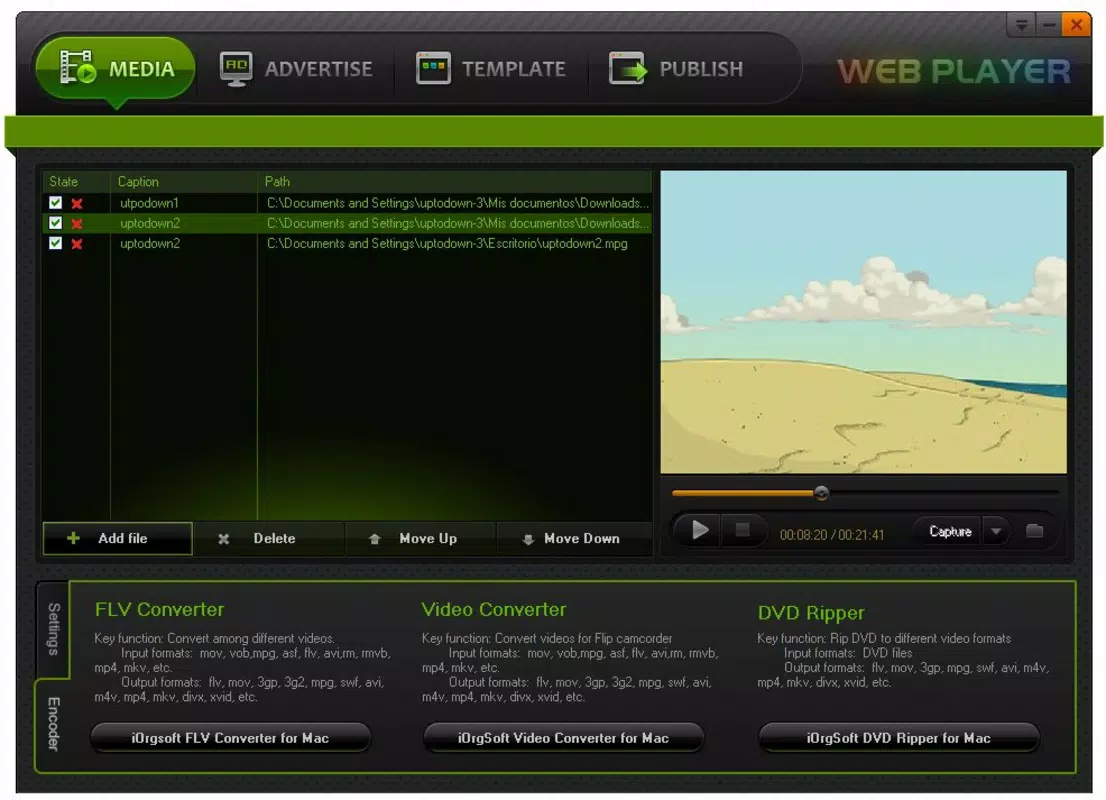
- Quick Import and Publish: The interface allows users to import video files and publish them within minutes. This efficiency helps maintain a fast content release cycle, crucial for creators managing regular uploads.
- Designed for Online Creators: Tailored specifically for digital content producers, the app emphasizes publishing speed, customization, and monetization—key priorities for those building an online presence.
For example, a YouTuber launching a new video series could use Higosoft Web Player Basic to customize the player’s look, insert pre-roll ads, and embed the video on their website using a single HTML snippet. Similarly, a freelance video editor might use it to showcase client work with branded player skins and ad placements to demonstrate value.
Interface, UX & Performance
The user interface of Higosoft Web Player Basic appears to prioritize simplicity and direct access to core functions. Navigation is likely structured around a clean, minimal layout that guides users through importing videos, customizing the player, and generating HTML code for publishing. Visual elements such as buttons, menus, and preview windows are designed to support quick decision-making and reduce user friction.
Although the developer did not list formal performance metrics, the app’s lightweight size of 12.5 MB suggests it is optimized for efficient operation on a variety of Android devices. This makes it suitable for use on both older and newer smartphones, ensuring broad accessibility. The responsiveness of the interface is expected to be adequate for basic tasks such as file import, skin selection, and code generation.
Stability appears to be maintained over time, given the app’s long-standing release history. However, specific details about crash rates, load times, or compatibility with newer Android versions were not disclosed. Users should expect consistent behavior during standard operations, but performance may vary depending on device hardware and background processes.
Platform Compatibility & Technical Requirements
Higosoft Web Player Basic is available exclusively on the Android platform. The app is compatible with Android operating systems, though the developer did not specify minimum OS requirements. The latest version, 1.0.1, has a file size of 12.5 MB, indicating a compact footprint suitable for devices with limited storage.
As no specific hardware or software prerequisites were listed, users are advised to ensure their device meets general Android compatibility standards. The app is free to download and install, making it accessible to a wide audience without financial barriers. Compatibility information was not fully disclosed, so users should exercise caution when installing on older or non-standard Android versions.
Pros and Cons
Pros
- Free to download and use, reducing entry barriers for content creators.
- Simple HTML publishing method enables quick deployment across websites.
- Customizable player skins enhance branding and viewer engagement.
- Ad integration supports monetization without third-party dependencies.
- Lightweight size ensures compatibility with a broad range of Android devices.
Cons
- Specific technical requirements and compatibility details were not listed.
- Performance on newer Android versions may vary without official updates.
- Limited information on advanced features or integration capabilities.
- Not designed for standalone video playback; focus is on publishing.
- Long release history suggests minimal recent updates, which may impact modern functionality.
FAQ
Is Higosoft Web Player Basic safe to download and install?
The app is available for free on the Android platform. While no specific security audits were mentioned, it is developed by Higosoft, a known entity in the content publishing space. Users should download from official sources to minimize risks.
Can I use Higosoft Web Player Basic on iOS devices?
Currently, the app is only available for Android. There is no official iOS version listed, and no information on future platform expansion.
How do I publish my video using the HTML code?
After importing your video and customizing the player, the app generates a unique HTML snippet. Copy this code and paste it into your website’s HTML editor or content management system to embed the video.
Does the app support video editing or trimming?
No video editing or trimming features are mentioned in the provided information. The app focuses on publishing and customization, not content creation or modification.
Is the app updated regularly?
The app’s last update was in 2010, which suggests limited recent development. Users should be aware that the app may not support the latest Android features or security standards.
Final Thoughts
Higosoft Web Player Basic remains a niche but functional tool for content creators seeking a straightforward way to publish and monetize video content. Its emphasis on customizable skins, ad integration, and simple HTML publishing makes it a practical choice for those who value control and branding over advanced playback features. While the app lacks modern updates and detailed technical specifications, its lightweight design and free access continue to offer value to users with basic publishing needs.
For independent creators, educators, and small digital teams, this app can serve as a reliable bridge between video creation and online distribution. Despite its age, it maintains relevance in a space where simplicity and direct functionality are key.
Download Higosoft Web Player Basic now


